
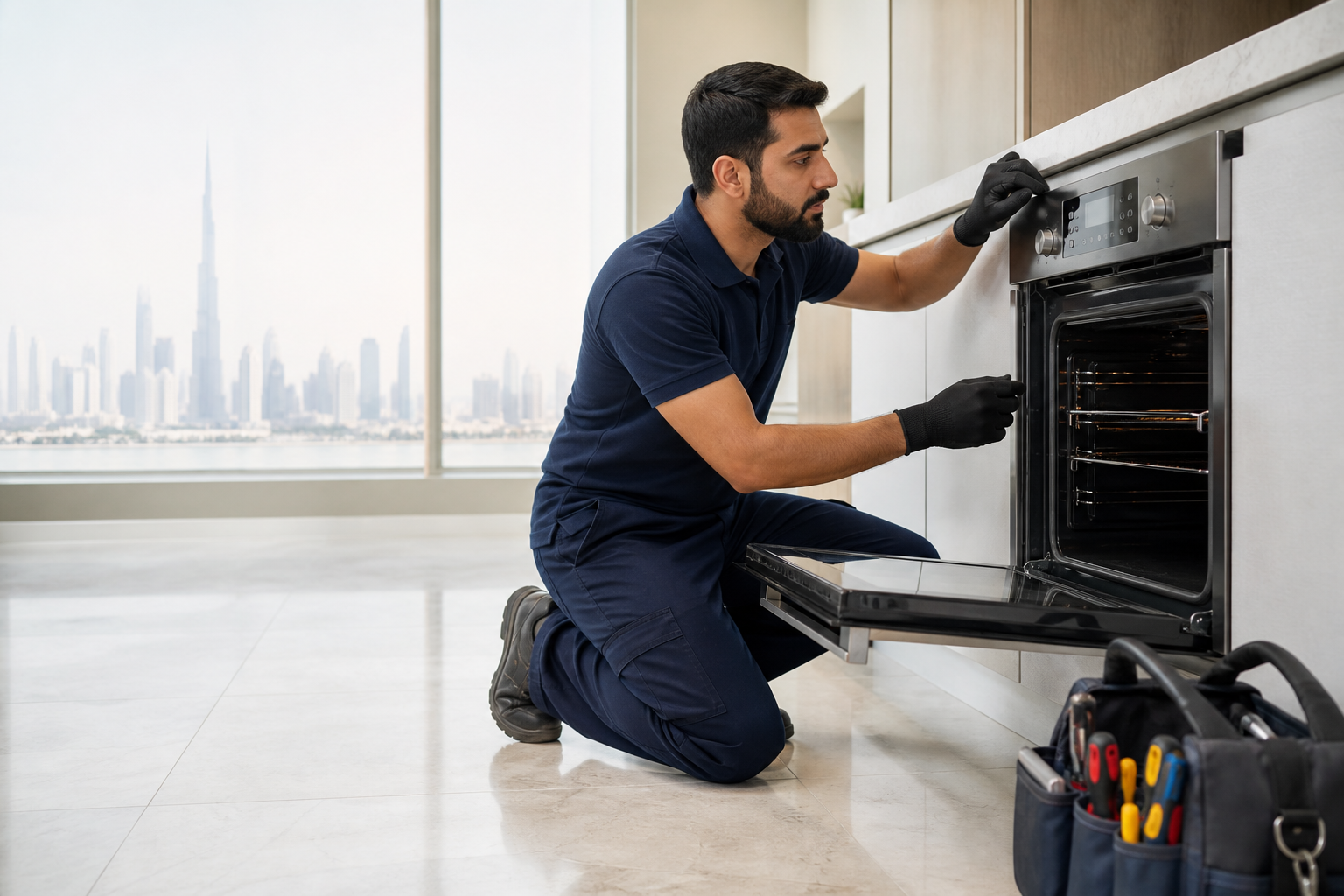
Quick answer: A search such as “Samsung oven is not heating” describes a symptom, not a confirmed failed part. Safe external checks can rule out some use or installation issues, but a sound repair decision depends on the exact model, operating conditions and measured diagnosis.
Dubai homes place appliances in varied environments, from compact utility cupboards to hot kitchens and balconies. Ventilation, dust, water conditions, installation and daily use can influence symptoms. Samsung cooking appliances vary by market, installation and control package. Features such as Dual Cook or SmartThings, where fitted, can provide useful context, but an app message or code is not a confirmed parts diagnosis.
Gulf Fix Pro provides independent Samsung oven and cooker repair in Dubai. Brand names identify appliances serviced and do not imply affiliation, authorization or endorsement.
Common Samsung oven and cooker problems
1. Samsung oven is not heating
This phrase is useful when describing the booking, but several systems can create the same symptom. Relevant checks may include heating elements, burner and ignition components, fan motor, temperature sensor or thermostat, selector switch, door hinges and gasket, power wiring, safety devices and control electronics. A technician should follow the evidence instead of replacing the most frequently mentioned part online.
2. Samsung oven fan is not working
Record when the problem starts, what the appliance does immediately beforehand and any code or warning light. A fault that appears only on one program may require different checks from a fault present on every cycle or setting.
3. Samsung cooker ignition is not working
Stop use when the symptom creates water, heat, electrical or mechanical risk. Photograph the appliance and surrounding installation before cleaning up when safe; the original location of water, residue, frost, lint or damage can be valuable diagnostic evidence.
4. Error codes, intermittent stopping and unusual noise
Write down the exact code and full model number. Error descriptions can narrow a test sequence, but they do not always identify the root cause. Intermittent sounds are best recorded on a short video without touching or opening the running appliance.
Parts and systems that may need checking
For a Samsung oven and cooker repair, the diagnostic path may include the following items depending on the exact symptom and model:
- heating elements, burner and ignition components, fan motor, temperature sensor or thermostat, selector switch, door hinges and gasket, power wiring, safety devices and control electronics.
- Connections, harnesses and installation conditions relevant to the affected circuit or mechanical system.
- User-accessible filters, vents, hoses, seals or containers where the model manual identifies them as maintenance items.
- Control settings, sensors and safety devices before a main electronic control is considered.
A parts list is not a diagnosis. Two appliances with the same visible symptom can require different repairs, and two similar-looking Samsung models can use different compatible components.
Safe checks before arranging repair
- Photograph the full model and serial label and the exact code or symbol.
- Check settings, locks, timers and user-accessible maintenance items using the manual for that exact model.
- Note the selected program, load or temperature and the point where operation changes.
- Check only visible external supply, hose, ventilation or installation conditions when safe.
- Do not open fixed panels, bypass interlocks, handle live wiring or order parts from a symptom alone.
How a professional diagnosis should proceed
A useful booking starts with the model, age, installation, Dubai area and a precise symptom description. During inspection, the technician should reproduce the complaint where safe, rule out external or maintenance conditions, test the systems connected to the symptom and explain the evidence.
After diagnosis, the customer should receive a clear repair option and quote before chargeable work is approved. Parts availability, installation access and the need for a return visit should be explained rather than hidden behind a generic fixed-price promise.
Repair or replace the Samsung oven and cooker?
Repair often makes sense when the appliance is otherwise sound, the fault is isolated and a compatible part is reasonably available. Replacement may deserve consideration when there are multiple major faults, serious structural or heat damage, repeated failures, unavailable essential parts, or a repair quote disproportionate to age and condition.
Consider repair history and safety as well as purchase price. A temporary reset that makes the appliance run once does not demonstrate that an electrical, overheating, leakage or mechanical fault has been resolved.
Information to include with a Dubai booking
- Full Samsung model and serial details
- Exact symptom, code and affected program or function
- Clear photos and a short noise video where safe
- Dubai community, property type and access details
- Any recent move, installation, supply interruption or maintenance change
These details help the service team prepare an efficient inspection without promising a part or price before the fault has been confirmed.